How To Choose Photos For Printing: Quality, Cropping, And Color
Choose sharp, well-lit photos and aim for 150 DPI at the final print size as the recommended quality target. That is not the warning threshold: StickIt shows no quality warning from 100 DPI for the final crop. Check both sharpness and cropping in the preview before ordering.
Best for / not best for
Best for
- Smooth, clean, dry walls with stable paint
- Renters and flexible photo-wall layouts
- People ordering custom wall photos from their phone
Not best for
- Rough, damp, dusty, or peeling walls
- Placement above beds, cots, or other safety-sensitive areas
- Anyone who has not tested an uncertain painted surface first
Crop with the final frame in mind
Leave enough breathing room around faces or the main subject. A photo that looks fine on screen can crop differently once it is forced into a square or rectangle.
Always check that the most important parts of the image stay inside the frame.
Color and filters
Heavy filters often look better on social media than they do in print.
- Avoid extreme filters.
- Check that skin tones still look natural.
- Use similar color palettes within the same wall.
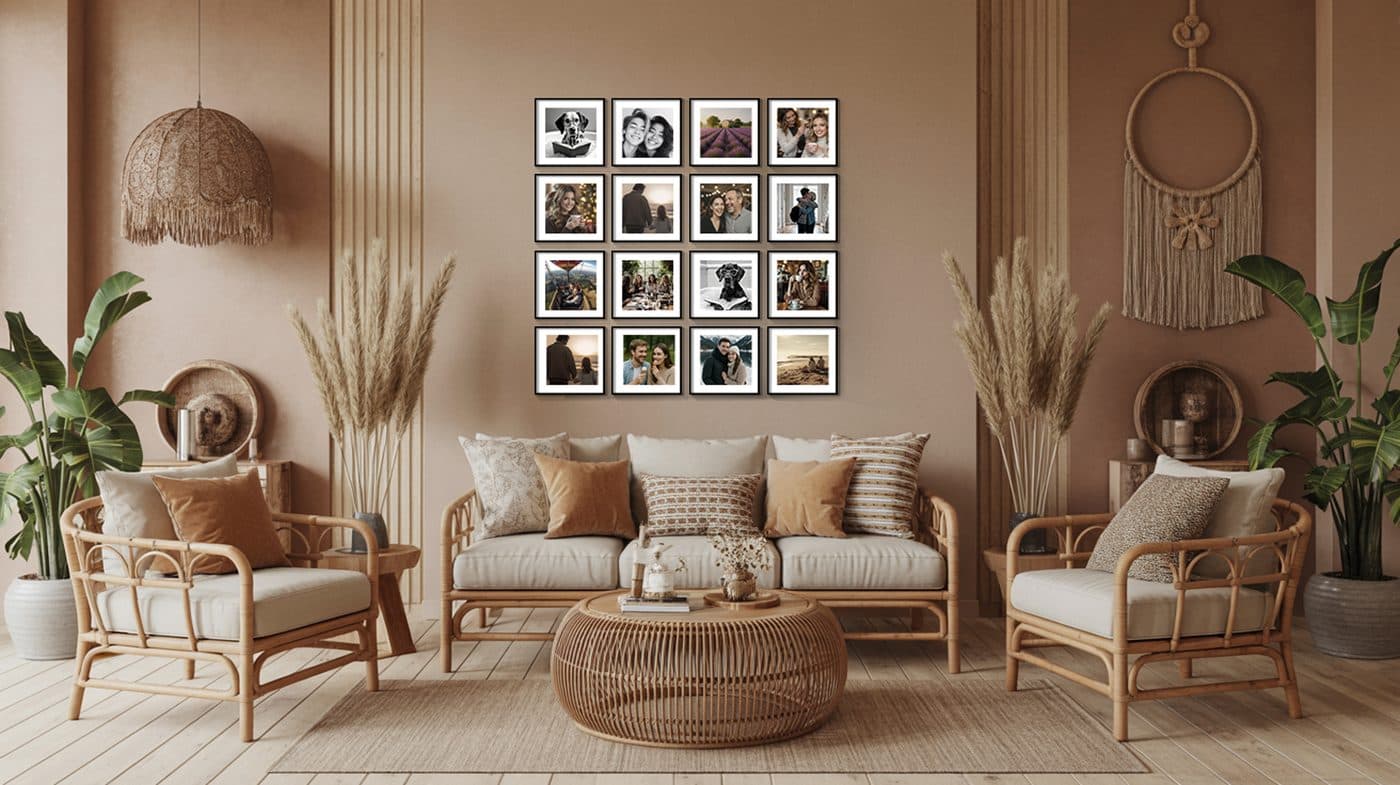
- When a set feels inconsistent, black and white can unify it.
FAQ
Are phone photos good enough for printing?
Usually yes, as long as the photo is sharp, bright, and has not been heavily compressed by a messaging app.
What should I do with an old low-quality image?
Use a smaller print size or include it as a supporting image rather than the main focal photo.
Ready for your own wall?
Upload photos, choose size and frame, and receive stick-on photos with no drilling.